Tips for Creating a Cozy and Productive Home Office Space
Creating a comfortable and productive home office is essential for anyone working from home. A well-designed workspace can improve focus, reduce stress, and increase motivation. Whether you have a dedicated room or just a small corner, there are simple ways to optimize your environment to make it both cozy and efficient. Below are some helpful tips to guide you.
Choose the Right Location
Find a Quiet Spot
Select a place in your home with minimal distractions and noise. If possible, avoid areas near the kitchen or living room where household activity is high.
Consider Natural Light
Position your desk near a window to maximize natural light. Natural light helps reduce eye strain and boosts mood. However, avoid direct glare on your computer screen by angling your desk or using curtains.
Invest in Comfortable Furniture
Ergonomic Chair
A supportive chair is crucial. Choose one with adjustable height and good lumbar support to keep your back healthy during long hours of work.
Appropriate Desk
Pick a desk that fits your space and work style. It should be large enough for your computer, documents, and other essentials but not overcrowded.
Organize Your Workspace
Declutter Regularly
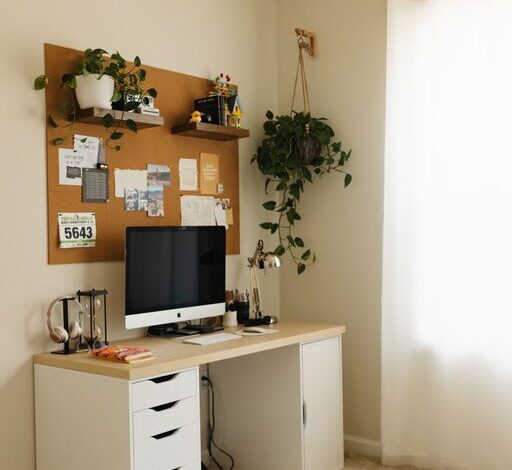
Keep your desk tidy by removing unnecessary items. A clutter-free space helps you focus and feel calm.
Use Storage Solutions
Invest in shelves, drawers, or boxes to store supplies neatly. Labeling containers can save time hunting for items.
Cable Management
Tidy up cords and cables with clips or sleeves. This not only looks better but also prevents tangling and accidents.
Create a Cozy Atmosphere
Add Personal Touches
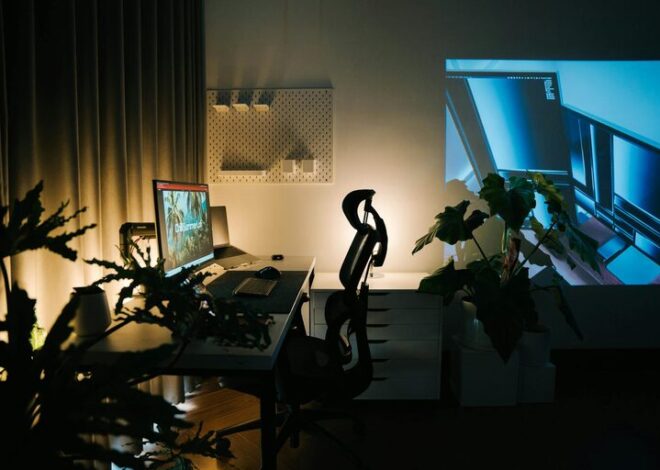
Personalise your space with photos, art, or plants to make it feel inviting without becoming distracting.
Soft Textiles
Use cushions, rugs, or throws to add warmth and texture. Soft fabrics can make the space more comfortable and appealing.
Control the Temperature
Make sure your workspace stays at a comfortable temperature. A small fan or heater can help regulate the climate according to your needs.
Optimize Lighting
Layered Lighting
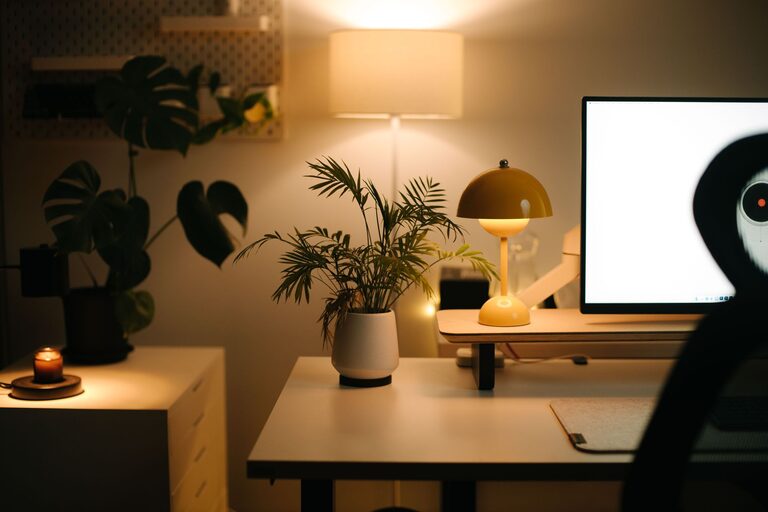
In addition to natural light, use a desk lamp for focused lighting and overhead lights for general illumination. Adjustable lamps can reduce glare and eye strain.
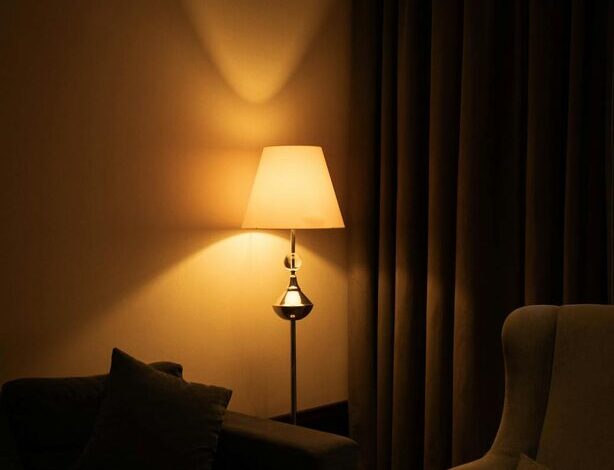
Choose Warm Light Bulbs
Warm, soft light creates a cozy atmosphere, which is easier on your eyes compared to harsh, cool-toned lights.
Manage Noise Effectively
Use Noise-Cancelling Headphones
If your home is noisy, noise-cancelling headphones can block distractions and help you concentrate.
Play Background Music
Some people work better with light background music or ambient sounds. Experiment to find what works best for you.
Maintain a Good Work Routine
Set Boundaries
Define your work hours and stick to them to avoid burnout. Communicate these boundaries to family members or roommates.
Take Regular Breaks
Stand up, stretch, and move around every hour to keep energy levels high and reduce physical strain.
Keep Hydrated and Nourished
Keep a water bottle nearby and eat balanced snacks to maintain focus and energy throughout the day.
Tech and Connectivity
Reliable Internet Connection
Ensure your home office has a stable internet connection to avoid disruptions during work or meetings.
Efficient Equipment
Use tools and devices that help you work efficiently, such as a second monitor, wireless keyboard, or mouse.
Final Thoughts
Designing a home office that balances coziness and productivity is achievable with some thoughtful planning. By choosing the right location, investing in comfortable furniture, organizing efficiently, and adding personal touches, you can create a workspace that supports both comfort and focus. Remember, small changes can make a big difference in your daily work experience. Experiment with these tips and adjust your setup until it feels just right for you.