Tips for Creating a Cozy and Functional Home Office Space
Creating a cozy and functional home office space can make a huge difference in both your productivity and overall well-being. Whether you’re working remotely, studying, or managing personal projects, a well-designed office at home helps you focus and feel comfortable throughout the day. Here’s a detailed guide filled with practical tips to help you set up a workspace that is both inviting and efficient.
Why a Cozy and Functional Home Office Matters
Working from home offers flexibility but also presents challenges like distractions and cramped spaces. Designing your home office to be cozy reduces stress, while functionality ensures smooth workflow. Together, these elements boost productivity and make your workday more enjoyable.
Choosing the Right Location
Consider Natural Light and Noise
Place your office in a quiet corner or a separate room if possible. Natural light is a huge plus as it improves mood and reduces eye strain. Aim for a spot near a window but avoid glare directly hitting your screen.
Assess Space and Privacy
Think about how much space you need. If you share a home, pick a location that offers privacy. Using room dividers or screens can help separate your workspace.
Furniture: Comfort Meets Practicality
Invest in an Ergonomic Chair
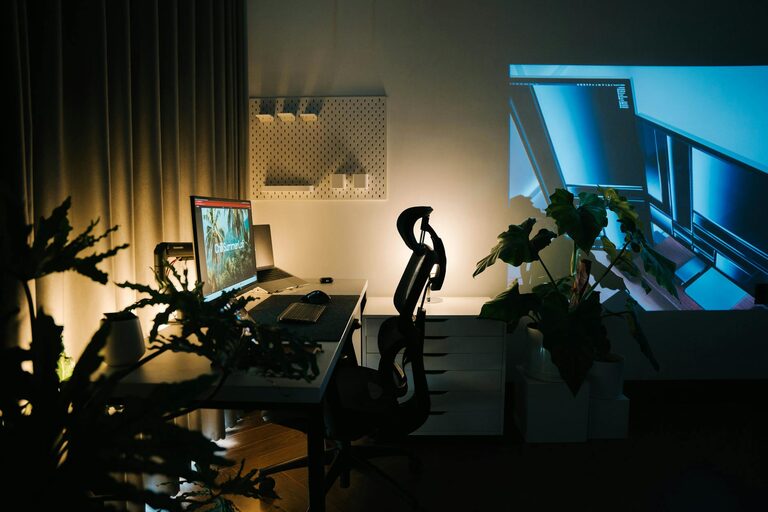
Comfort is key. Choose a chair that supports your back and encourages good posture. Adjustable height and lumbar support are great features to look for.
Choose a Suitable Desk
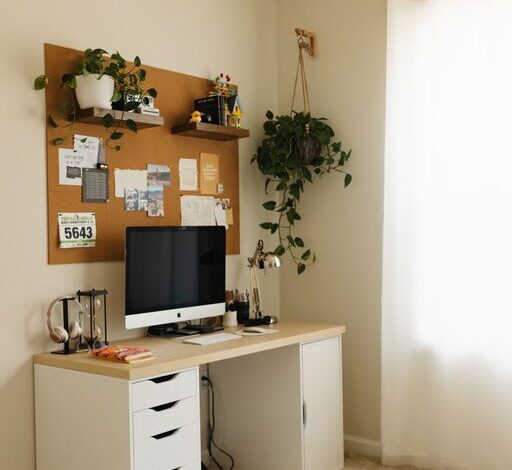
Your desk should fit your equipment and allow you to work comfortably. Consider desks with built-in storage to keep your workspace tidy.
Add Additional Seating if Space Allows
If you have visitors or like changing positions, a small couch or an extra chair can help create a welcoming atmosphere.
Organizing Your Space for Efficiency
Declutter Regularly
A clutter-free desk minimizes distractions. Use cable organizers and tidy up papers with file holders or boxes.
Use Vertical Storage
Shelves and wall-mounted organizers save floor space and keep frequently used items within reach.
Personalize Smartly
Add personal touches like photos, plants, or artwork—but keep it minimal to avoid overwhelming the space.
Lighting for Comfort and Focus
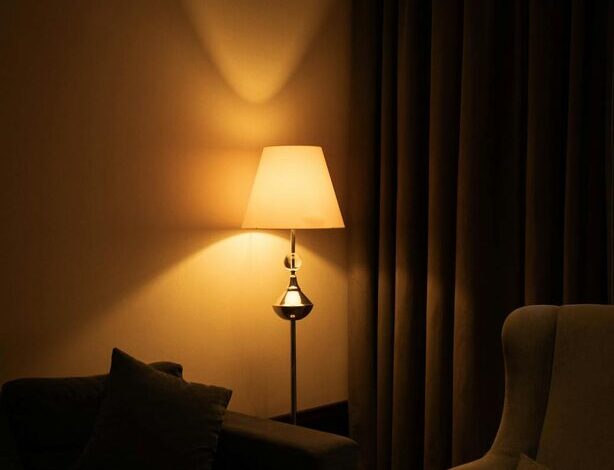
Layer Your Lighting
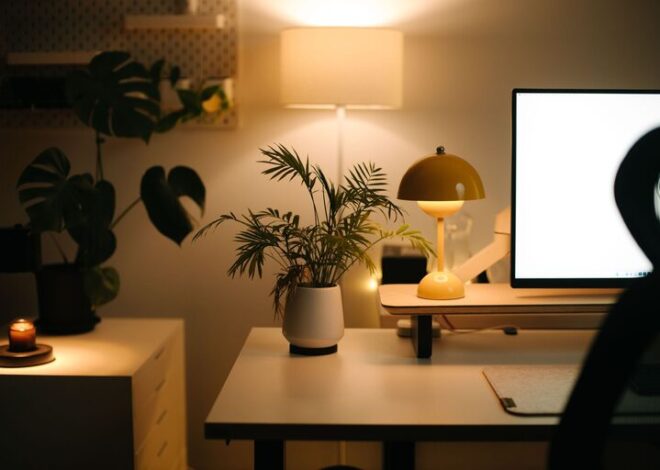
Combine ambient lighting with task lighting. A bright desk lamp can reduce eye strain for detailed work.
Choose the Right Bulbs
Use soft white or natural daylight bulbs to create a warm but energizing atmosphere.
Mind the Screen Glare
Position your monitor to avoid reflections from windows or lamps.
Technology Setup
Reliable Internet Connection
Ensure your internet speed supports video calls and online work without interruptions.
Manage Cables
Keep your cables organized with clips, ties, or under-desk trays to avoid tangles.
Invest in Quality Accessories
Good headphones, a comfortable keyboard, and an ergonomic mouse can improve your daily experience significantly.
Creating a Positive Environment
Introduce Greenery
Plants can boost mood and air quality. Choose low-maintenance varieties if you’re not a green thumb.
Control Temperature and Airflow
Adjust the room temperature and use a fan or air purifier for a comfortable atmosphere.
Incorporate Break Areas
If space allows, create a small corner to relax during breaks, helping you recharge.
Final Tips for Maintaining Your Home Office
– Set a routine to keep your workspace clean and organized.
– Update your setup as your needs change.
– Limit distractions by establishing boundaries with family or housemates.
With these tips, you are ready to create a home office that feels inviting and supports your work lifestyle. Remember, a cozy and functional office doesn’t have to be complicated—small thoughtful changes can make a big impact. Enjoy your new workspace!